


 Scan with your iPhone camera
Opens the App Store page. On a phone, just tap the button.
A monthof Pro,free.
A photo cleaner for iPhone and iPad: swipe right to keep, left to mark, confirm before anything is deleted. Pro removes the 40‑a‑day limit.

Renews at $4.99/month in the US unless you cancel. New subscribers only. Needs iOS 18 or later. Redeem by Dec 30, 2026, while codes last.






What Pro adds
Everything else is in the free version too.
| Feature | Free | Pro |
|---|---|---|
| Photo decisions a day | 40 | No limit |
| Album sets saved to Photos | 2 in total | No limit |
| Export your tidying preferences as a Skill file | No | Yes |
More than swiping
-
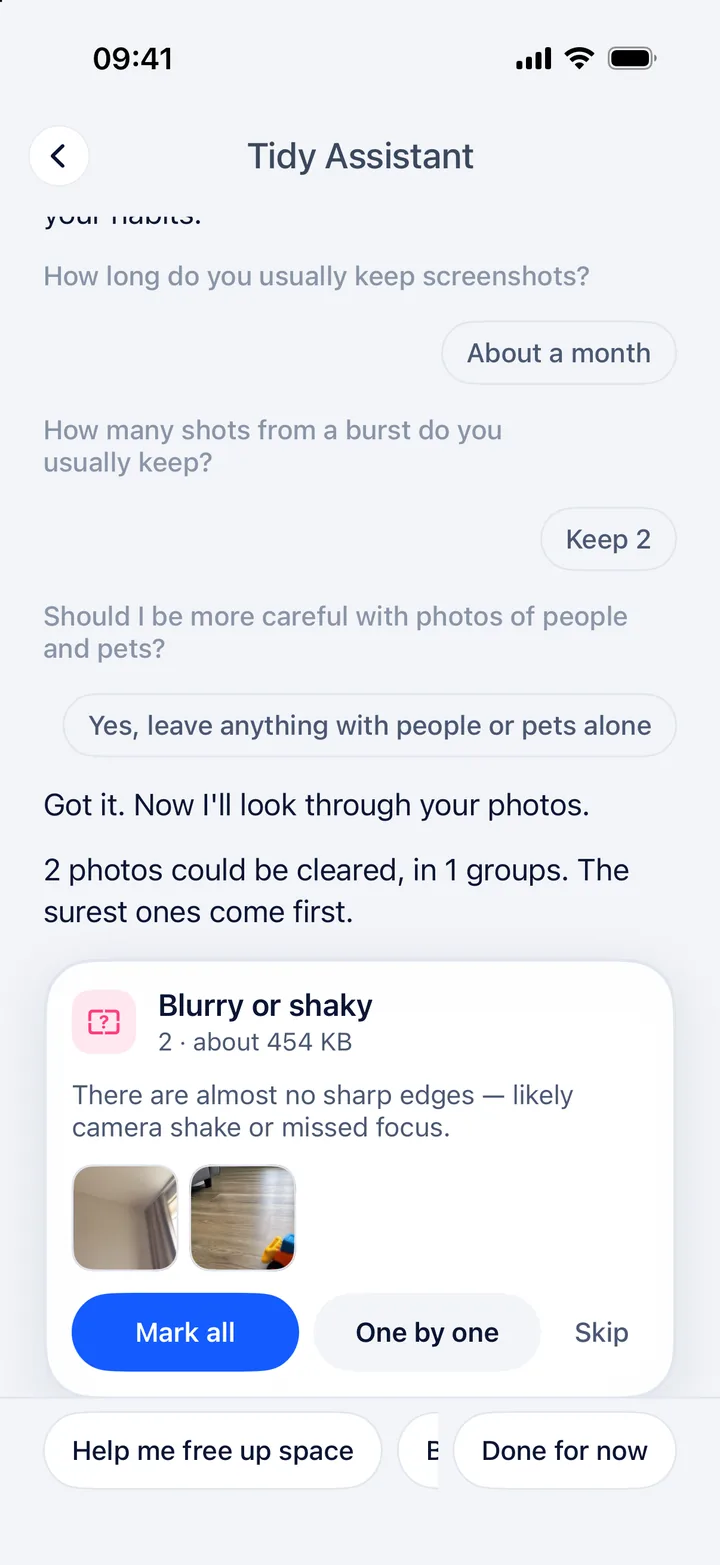
Tidy Assistant
Groups accidental shots, blurry photos, extra burst frames and old screenshots, and tells you why.
-
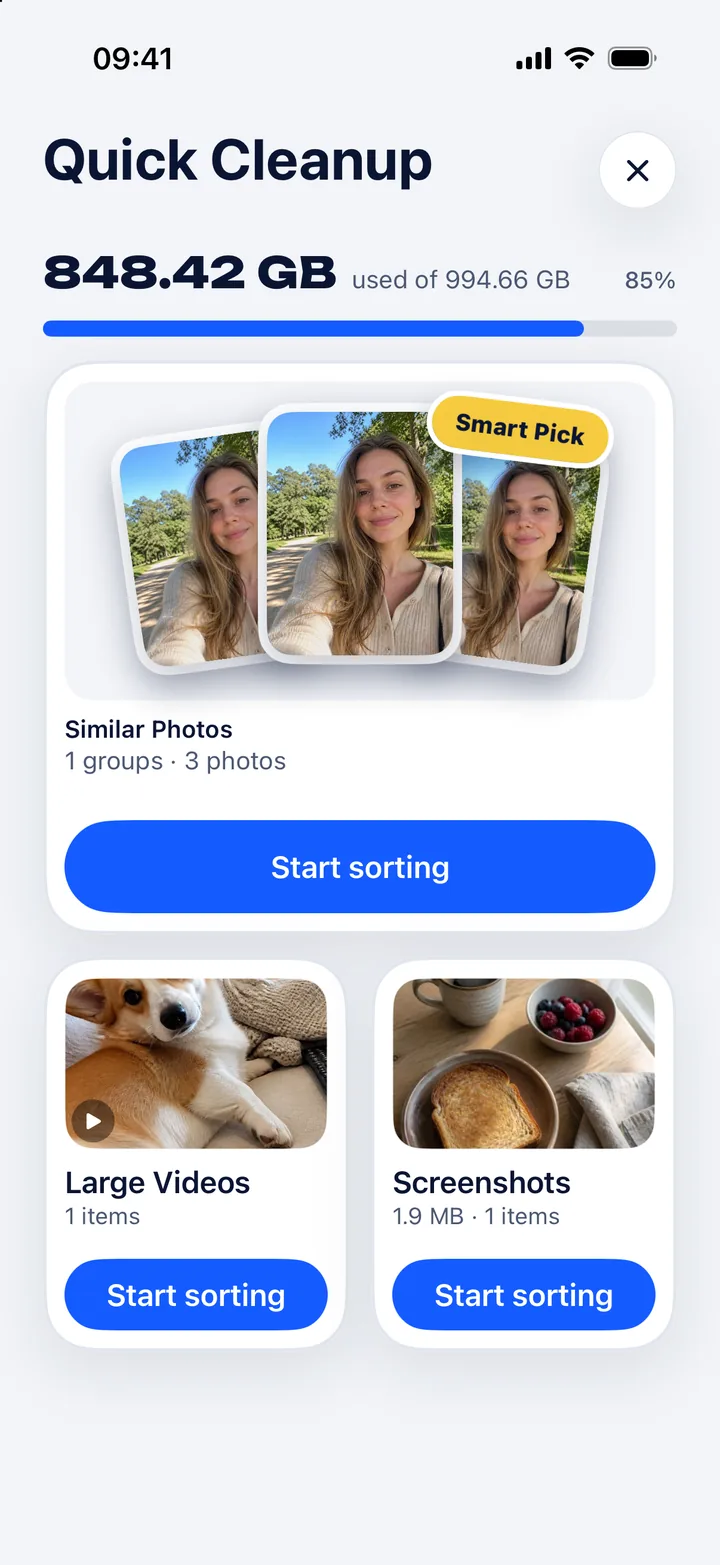
Quick Cleanup
Screenshots, large videos and similar photos, each in its own batch.
-
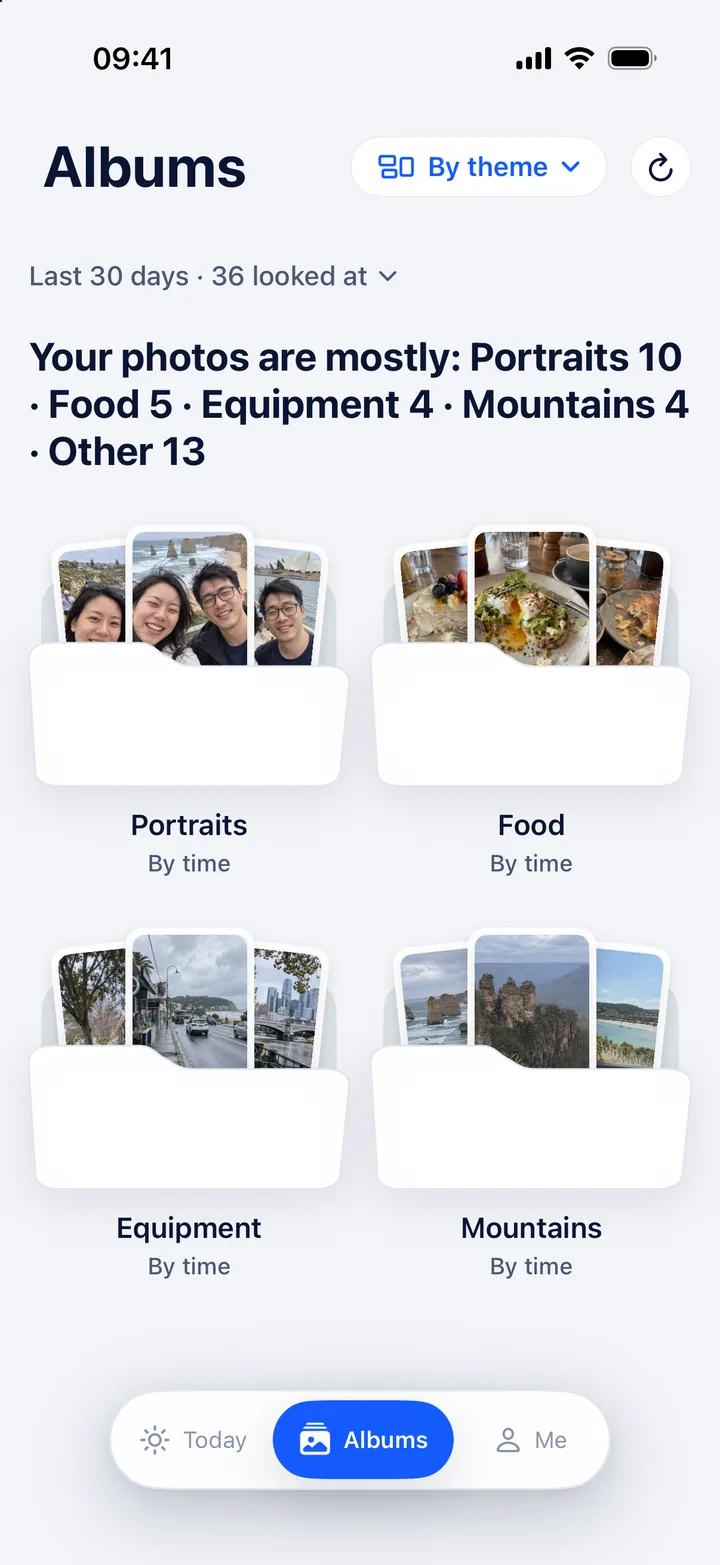
Album sorting
Sort by trip or by theme, then save to the Photos app.
-
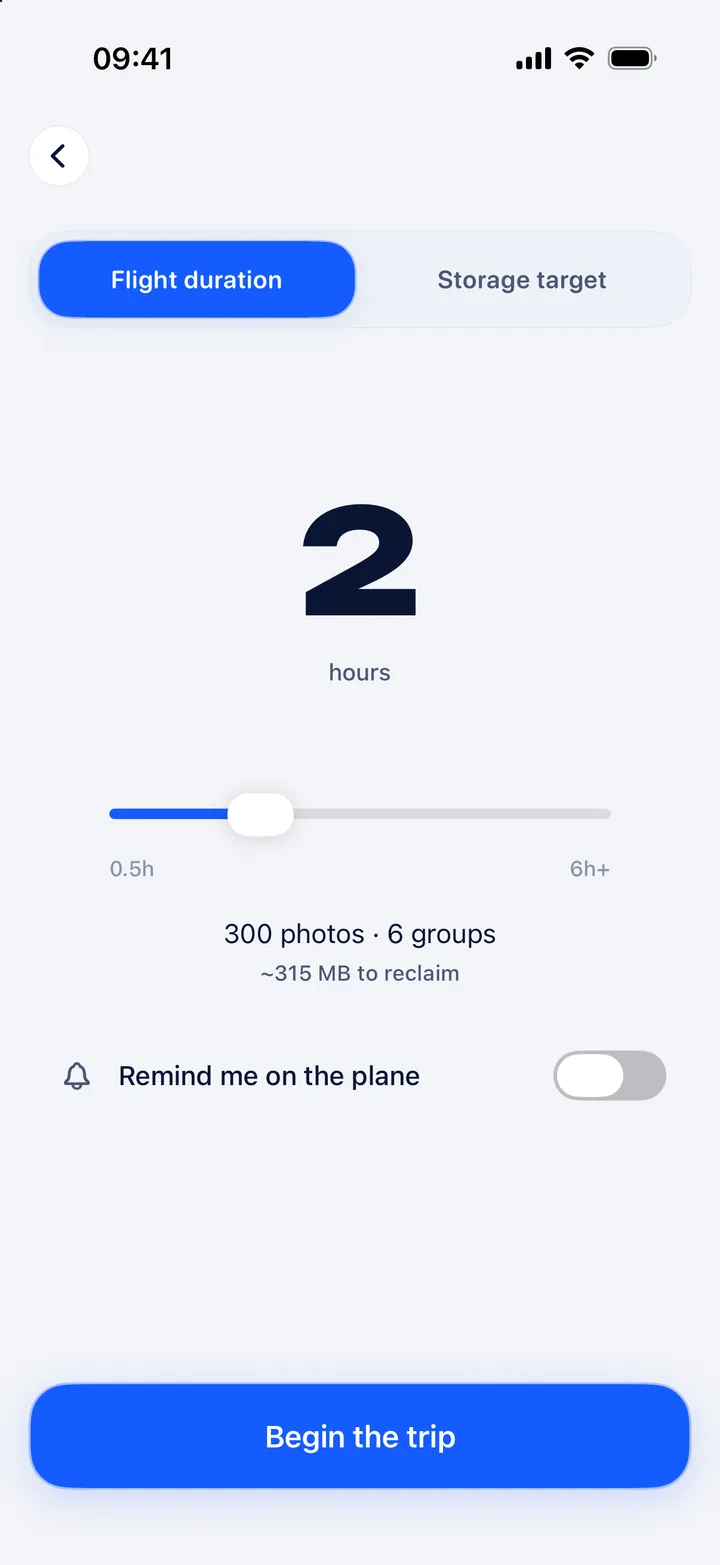
Pre-trip Cleanup
Set a flight duration, download from iCloud and sort offline on board.
How to redeem
Tap Redeem
The App Store opens with your code filled in. On a computer, scan the QR code with your iPhone.
Confirm
Check the price and confirm with your Apple Account. If you don’t have SnapTidy yet, the App Store asks you to download it.
Open SnapTidy
Pro is already on. There’s no account to create.
FAQ
Will I be charged?
Not for the first month. After that, SnapTidy Pro renews at the monthly price shown in the App Store ($4.99 in the US) unless you cancel at least 24 hours before the free month ends.
How do I cancel?
On your iPhone, go to Settings > [your name] > Subscriptions, choose SnapTidy, then tap Cancel Subscription. Cancel in time and you won’t be charged; SnapTidy goes back to the free version.
Who can redeem this?
Anyone outside mainland China who has never subscribed to SnapTidy Pro. Already using the free version? You can still redeem it. Each Apple Account can redeem once.
What if the code doesn’t work?
Open this page on your iPhone and tap Redeem, or scan the QR code from a computer. The code only works through this link; it can’t be typed into the App Store.
Codes are limited and the offer ends on Dec 30, 2026. If the App Store says a code is no longer valid, the free month has probably run out.
Why give it away?
SnapTidy is made by one independent designer. A free month is the fairest way to find out whether Pro is worth paying for. If it isn’t, cancel and keep using the free version.
Does swiping left delete a photo?
No. A left swipe only marks it to clean up. Photos are deleted only after you confirm in SnapTidy and then in the iOS delete prompt, and they go to Recently Deleted, where you can recover them for 30 days.
Are my photos uploaded? Do I need an account?
No and no. Photos, recognised text and analysis results stay on the device. The App Store privacy label is Data Not Collected.
